NEW! US WEBSTORE
Factory Repack

♦
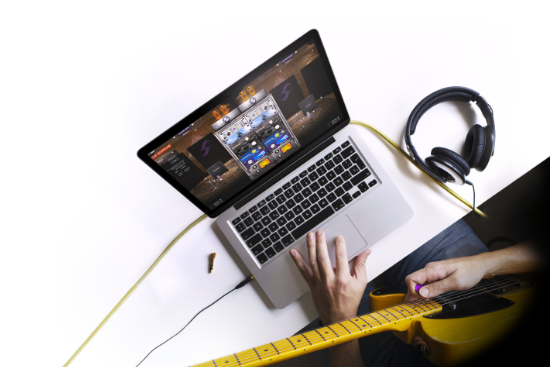
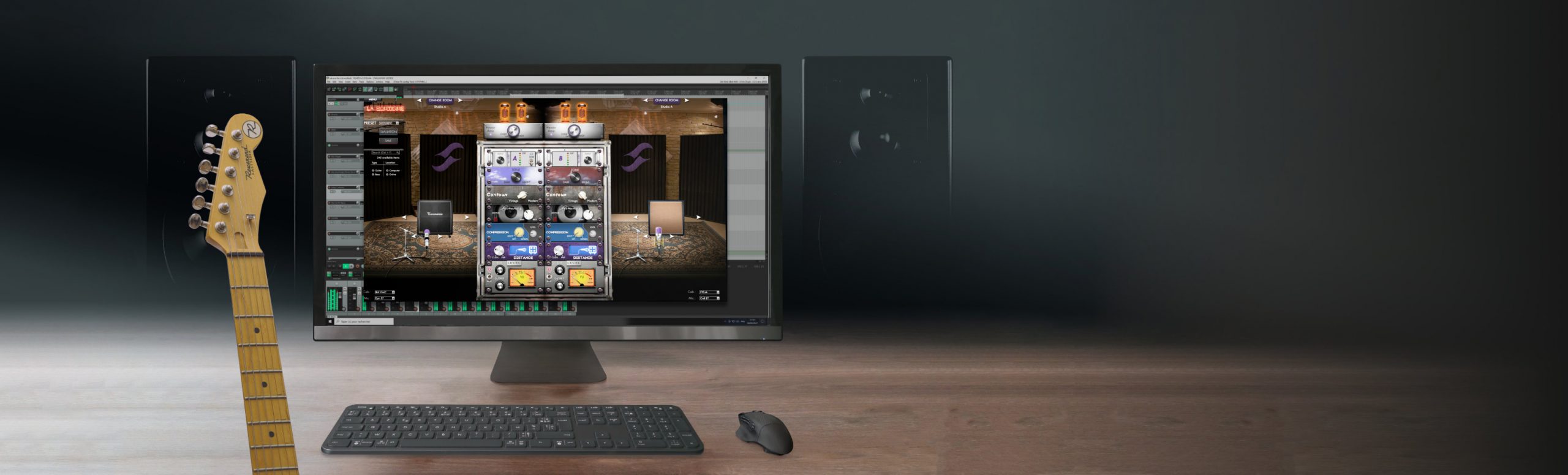
You’re about to embark into a world of limitless tonal possibilities courtesy of the industry standard audio plugin for virtual miking, power amp simulation and studio grade post effects with Two notes DynIR Technology. With over 600 DynIR Virtual Cabinets available, each with 8 mics, there is no better way to record your guitar/bass tone and have the tone be consistent, perfect, every time. Please follow the guidelines below to get setup and create your perfect Guitar or Bass tone with Torpedo Wall of Sound and/or your DynIR Cabinet Pack purchased from Plugin Boutique.
♦
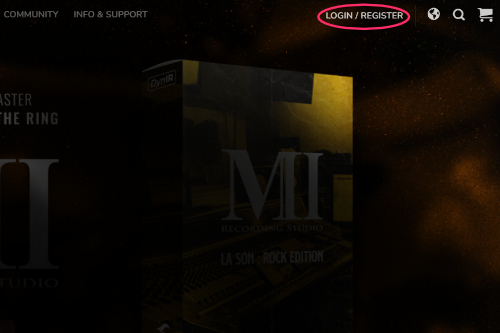
Head over to the Two notes website and click the login / register button situated on the top right of the main site menu. If you already have a Two notes account, please login using your Two notes account credentials. If you don’t have a Two notes account yet, within the login / register popup window, populate the mandatory fields in the register section, hit register and check your email to activate your account.
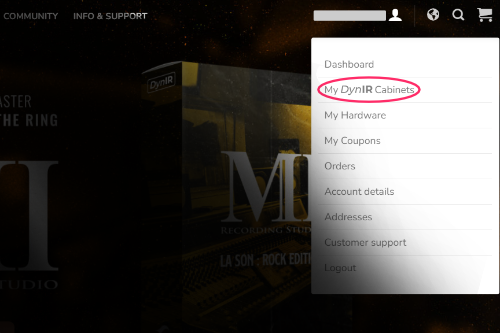
Once your account is activated and/or you’re logged in, click on your account name in the top right top hand corner of the main site menu. Select “My DynIR Cabinets” from the drop down menu and enter Your Activation Code received from Plugin Boutique in the code field.
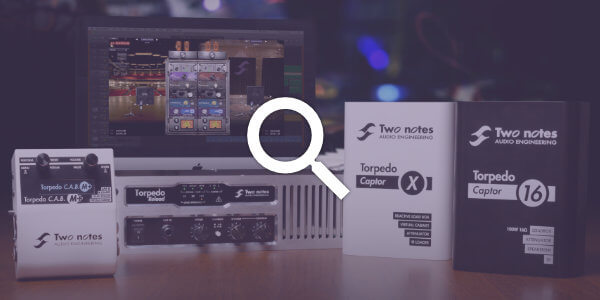
If you’ve purchased Wall of Sound, you will need to download the application. First, head here and choose the right version for your system. Once downloaded, open your DAW, load the plugin and login. You will see all the cabinets associated with your Wall of Sound Plugin Boutique Edition purchase have been added to your account and you’re primed to start creating truly exceptional guitar tones!
If you have purchased a Plugin Boutique cabinet pack, simply log into Wall of Sound and you will see the cabinets have been allocated to your Two notes licence.
Need some help?
Our team of specialists are ready to assist you with any enquiries you have relating to our hardware or software offerings; please don’t hesitate to contact us here: https://support.two-notes.com/