NEW! US WEBSTORE

Factory Repack


Please note, GENOME is a desktop plugin application and requires a Mac or PC for use. If you’re on a mobile device, we’ve emailed you a link for this page, so when you’re back at your desktop, you’ve got everything you need to dive into our carrier-class software ecosystem!
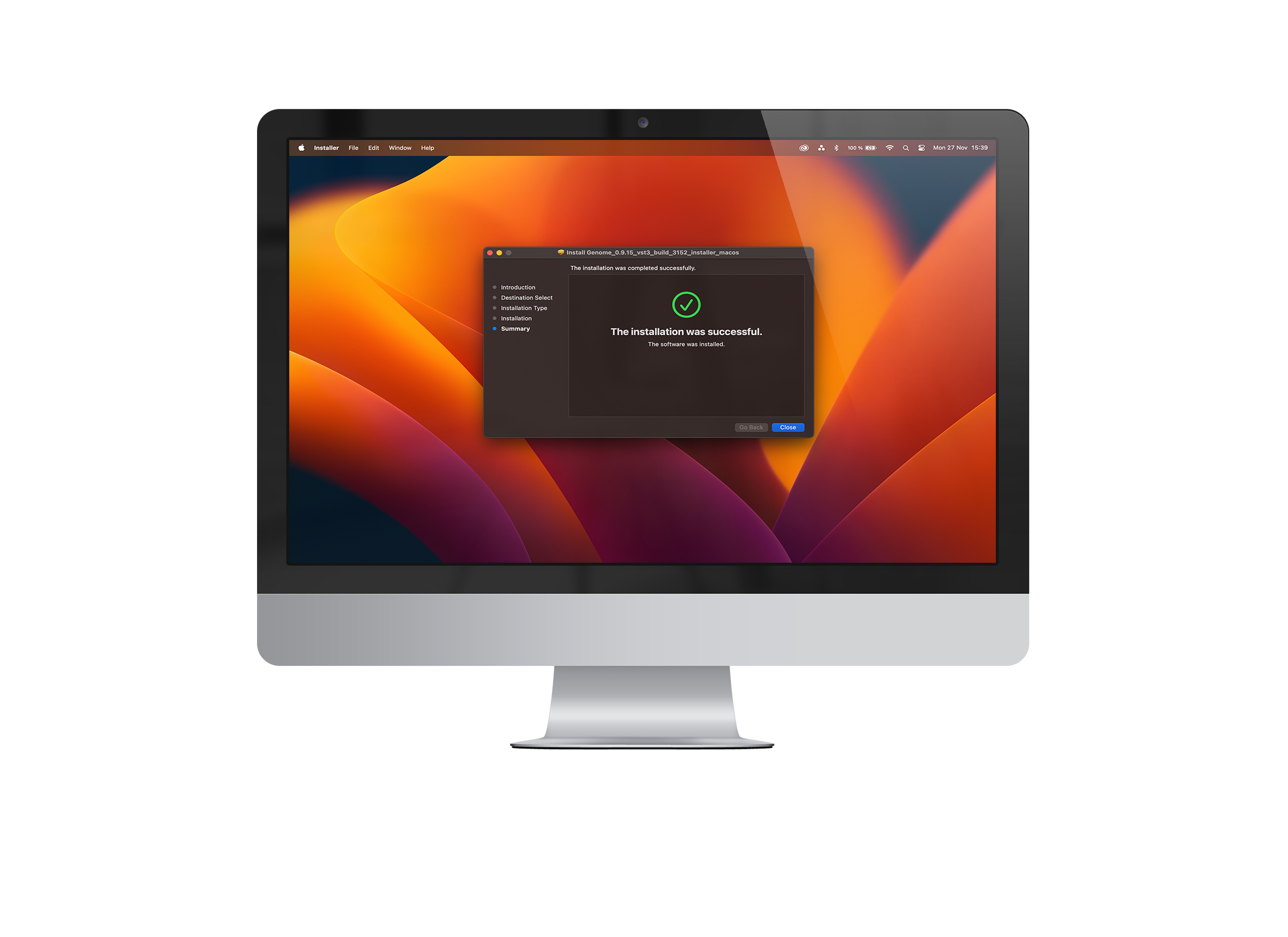
Download the Installers using the links below
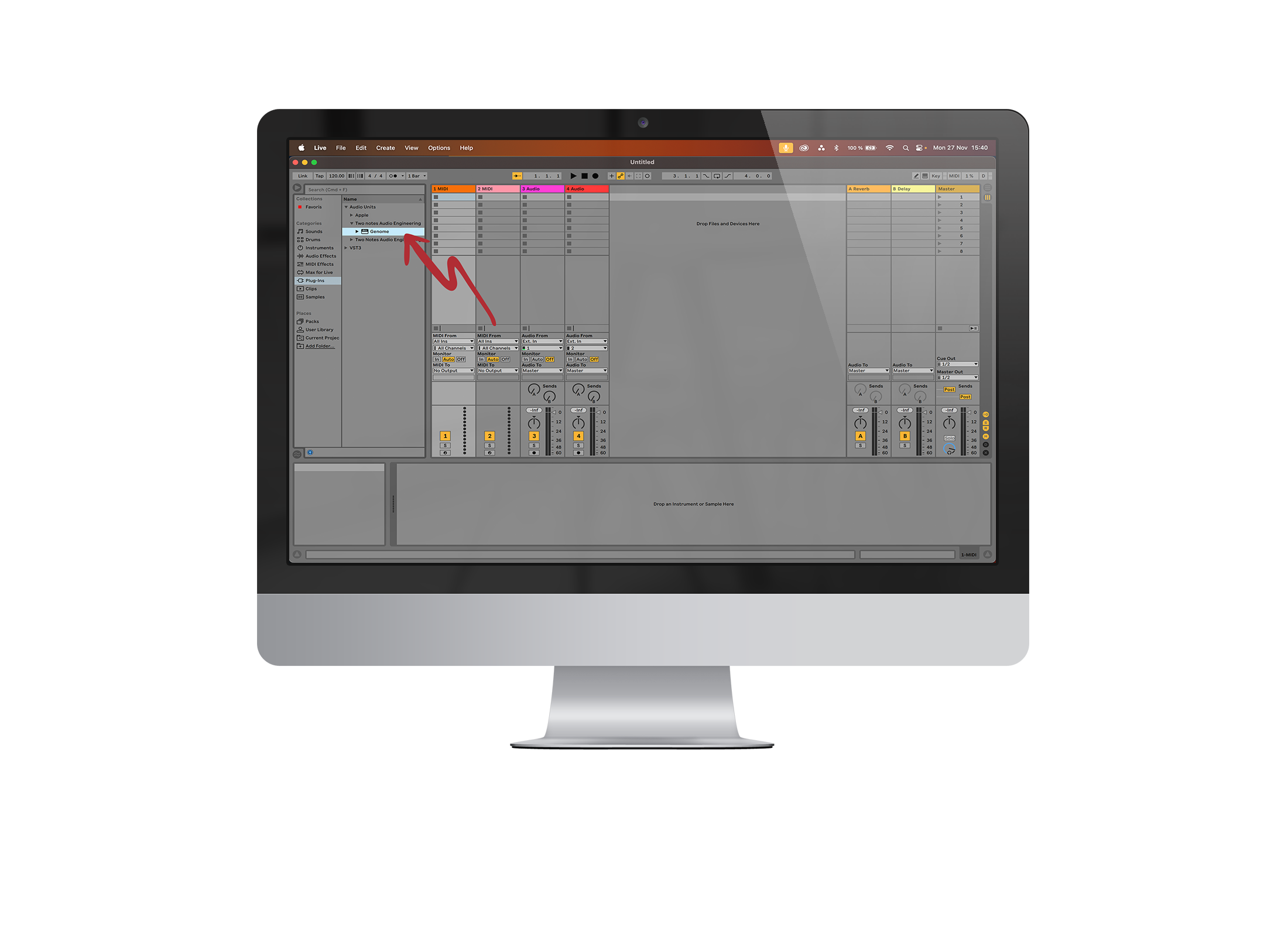
Once installed, please open your DAW-of-choice and select GENOME from the list of available installed plugins.
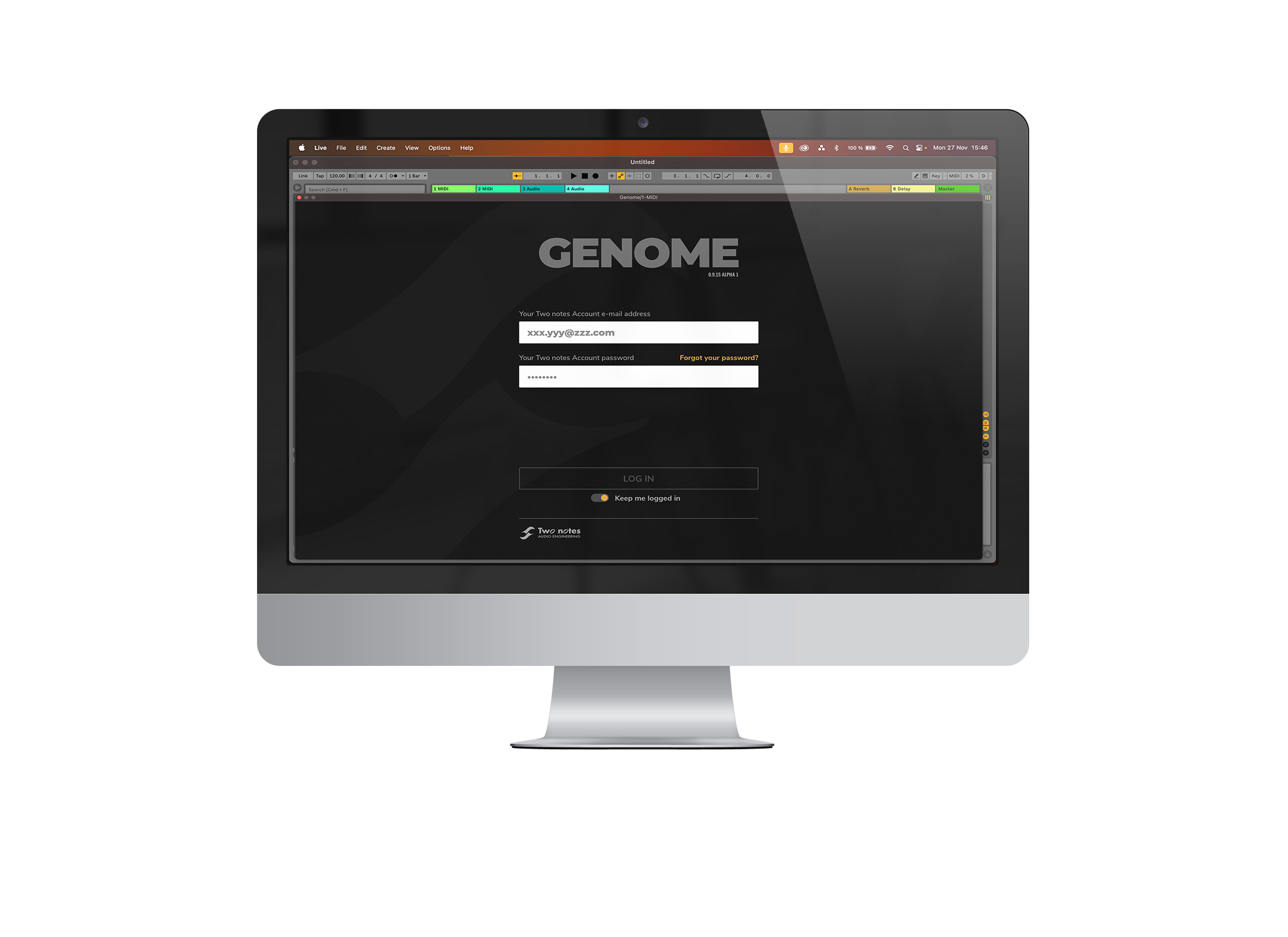
Upon opening GENOME, you will be presented with a login screen. Please enter your Two notes account credentials and click Log In. Providing your account credentials have been entered correctly, GENOME will open and you will have successfully validated your GENOME Free 14-Day Trial licence.
Our team of specialists are ready to assist you with any enquiries you have relating to our hardware or software offerings; please don’t hesitate to contact us here.



 Français